

Library · Checklist
The NDT reporting checklist.
The inspection was flawless. The report wasn't. Eight ways to get NDT reports right the first time, from our talk at ASNT 2026.
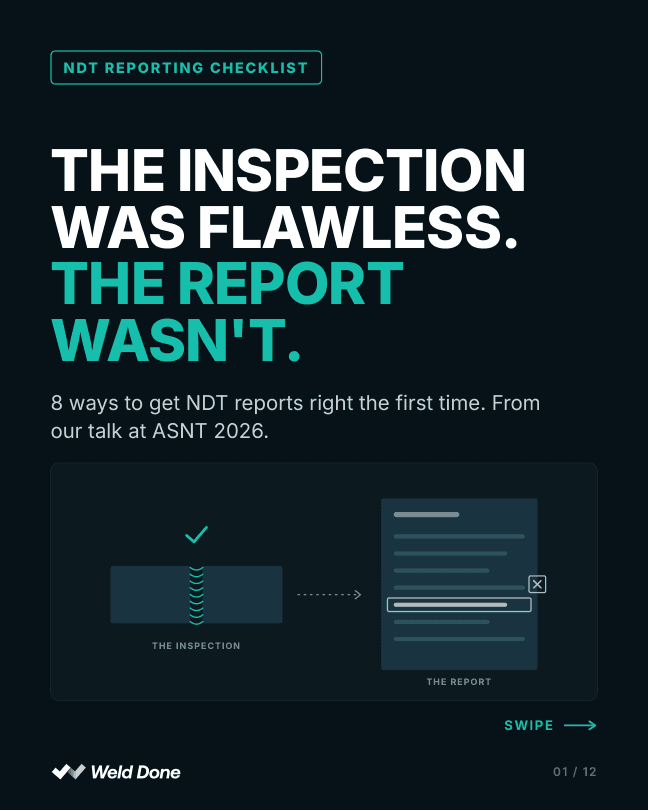 PDF · 12 slidesDownload the checklistThe eight points and their questions, as shown at ASNT 2026. No form.Download →
Why it matters
The client gets the report, not the inspection.
One wrong value can undo a perfect job. These eight points get NDT reporting done right the first time.
“I had to double-check and basically correct every report.”

The checklist
Eight points, each with a question for your crew.
- 01 / 08
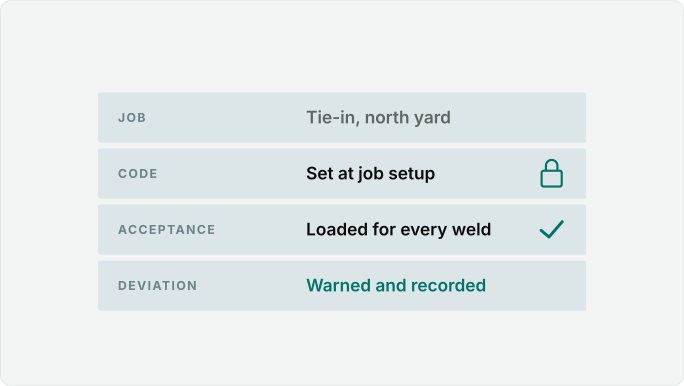
Lock the code when the job is created.
Set the governing code at job setup, so nobody picks it from memory on site. Once it is set, the acceptance criteria can be loaded for every weld on the job.
If a technician has to deviate, warn them and record it. Don't block them.
Ask yourselfWho picks the code on your jobs today?
- 02 / 08
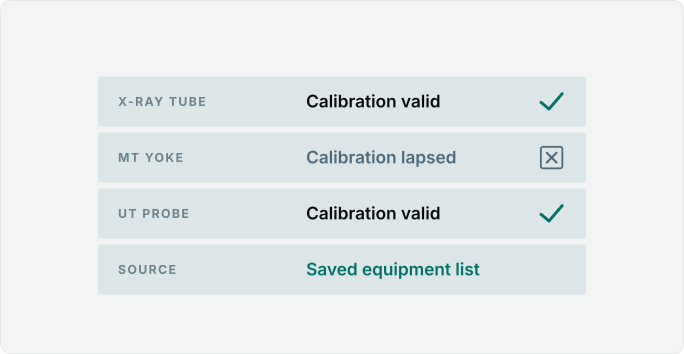
Pick equipment from a list, with the cert attached.
A lapsed calibration cert can put every report signed with that equipment in question. Keep one saved list, each item with its calibration cert and expiry date beside it, and pick from that list on every job.
Catch the lapsed cert before the first shot, not at the audit.
Ask yourselfCould you find every report signed with one piece of equipment?
- 03 / 08
Capture values at the source.
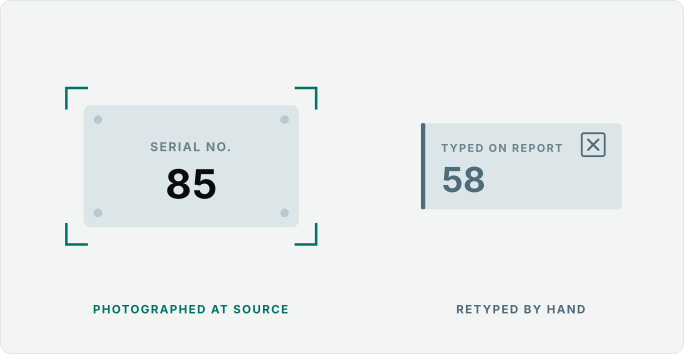
A serial number typed as 58 instead of 85 passed both supervisor and admin review. Their fix was to photograph the plate.
Every value retyped from somewhere else is a chance to swap two digits, and a reviewer who never saw the original can't catch it.
Ask yourselfHow many values on your reports are retyped from somewhere else?
- 04 / 08
Make the acceptance check a glance.
On a 14-hour shift with sixty welds, the acceptance table can be on page 180 of a PDF. When checking takes that long, people go from memory.
Put the criteria for the job where the technician is already looking. A laminated card on the dashboard counts.
Ask yourselfHow long does it take to find the acceptance criteria for a job?

- 05 / 08
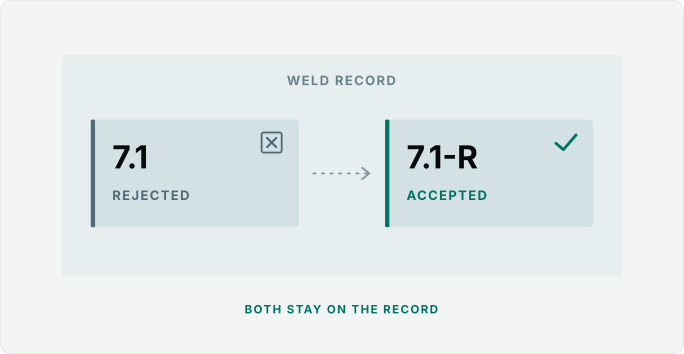
Keep the rejection in the weld's record.
Weld 7.1 failed. The repair, 7.1-R, passed. If only the pass is on the report, nobody downstream knows the weld was repaired.
Many codes track repairs. Keep both results on the record.
Ask yourselfDoes your report show the rejection, or only the pass?
- 06 / 08
Retire old templates so they can't be picked.
If an old template can be picked, it will be. One wrong template spread across eight technicians for three months before anyone noticed.
Archive every old version, so the current template is the one in the list.
Ask yourselfCould a technician open last year's template today?

- 07 / 08
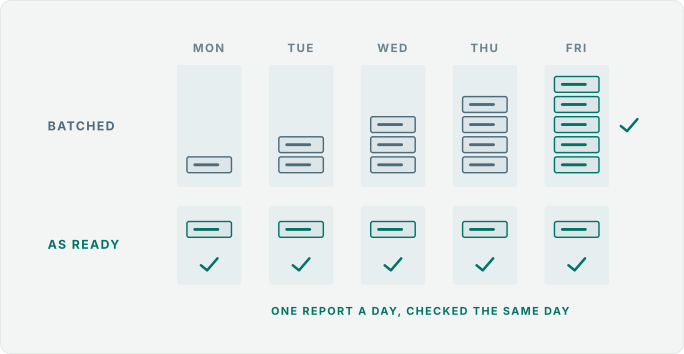
Review reports when they're ready, not on Friday.
Batched review finds Monday's mistakes after the technician has done ten more jobs and can't remember the details.
Review each report the day it is ready, while the job is still fresh.
Ask yourselfHow many days pass between an inspection and its review?
- 08 / 08
Keep one place for the record.
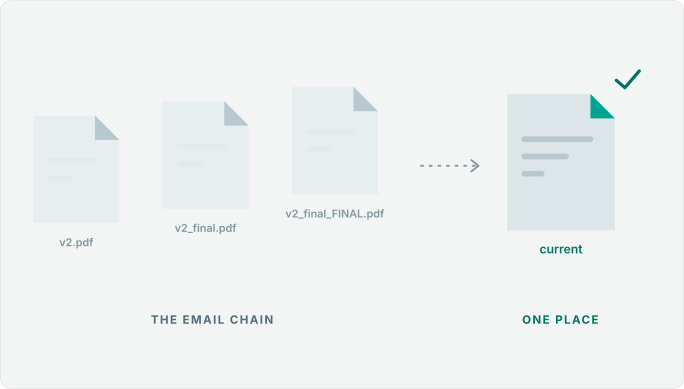
Rejected by email, approved by text. When the report lives in attachments, nobody can say which file is current.
Pick one place for the current version and stop sending attachments.
Ask yourselfWould everyone on your team point to the same file?
One more thing
Know which problem you have.
If you do the same job every day, a well-built Excel workbook may be the right tool. Reporting isn't always the bottleneck. Find out where yours is before you buy anything.

The PDF
Save this for your next crew meeting.
Share it with whoever reviews your reports.
Twelve slides, the eight points and their questions. No form.

See your own report rebuilt.
Book a 30-minute demo on one of your real reports.
Not ready to talk? The calculator works out hours and costs back from your own numbers.